Hi, I am the DIGI4Q assistant. What would you like to know? Tap a button below or type your question.
I cannot answer that yet. You can leave your request, or contact a person directly.
Anything else you would like to know?
Common questionsThese are the questions people ask most. Tap one to see the answer:
How long does installation take? Will it disrupt business?It depends on the size and condition of the site. After the assessment we give you a schedule, and we can discuss phased, night or weekend work to keep disruption low.
Can you do just part of the project?Yes. Wi-Fi only, cameras only or fiber only all work. We leave room to expand, so adding systems later does not mean starting over.
Can we keep our existing equipment and cabling?We check it. During the site assessment we test existing cabling and devices and reuse what still works; analog cameras can be moved to IP step by step.
How does the site assessment work?After you book, we call to understand your needs, then visit to check the space, cabling and equipment, and follow up with a plan and quote. We explain how the assessment works and any fee when you book.
Where do you work?We mainly serve businesses and buildings across Taiwan. For projects overseas or elsewhere, please contact us to discuss.
How does the warranty work?Equipment is covered by each manufacturer's warranty. After installation you can also join CONNECT PULSE yearly care for regular inspections and one point of contact for repairs.
Can I watch cameras and manage the network from my phone?Yes. Camera feeds can be viewed remotely in a mobile app, and network devices can be checked through the central management platform, with access set per person.
Should guest Wi-Fi be separate from the company network?Yes, we recommend it. On a shared network, guests may be able to see internal devices. Once separated, guests only get internet access and company data stays safer.
Should we upgrade to Wi-Fi 7 now?Not always. It is worth it for busy spaces, heavy video meetings or a new fit-out; for everyday office use, Wi-Fi 6 is usually enough.
FTTR or Mesh for my home?It depends on size, layout and whether you are renovating. For a renovation, a large home or several floors, FTTR (fiber to the room) is the most stable; if you do not want to touch the interior, Mesh is easier.
How do you protect against hackers and attacks?We use CONNECT SECURE firewalls to split the network into zones (office, guests, cameras, POS), plus access control and device updates, so an intrusion is less likely to spread.
What happens during a power or internet outage?We can plan UPS power for key equipment and add a backup internet line that takes over automatically, so POS and cameras keep running.
Find a solutionWe plan six solutions by type of space. Take a look:
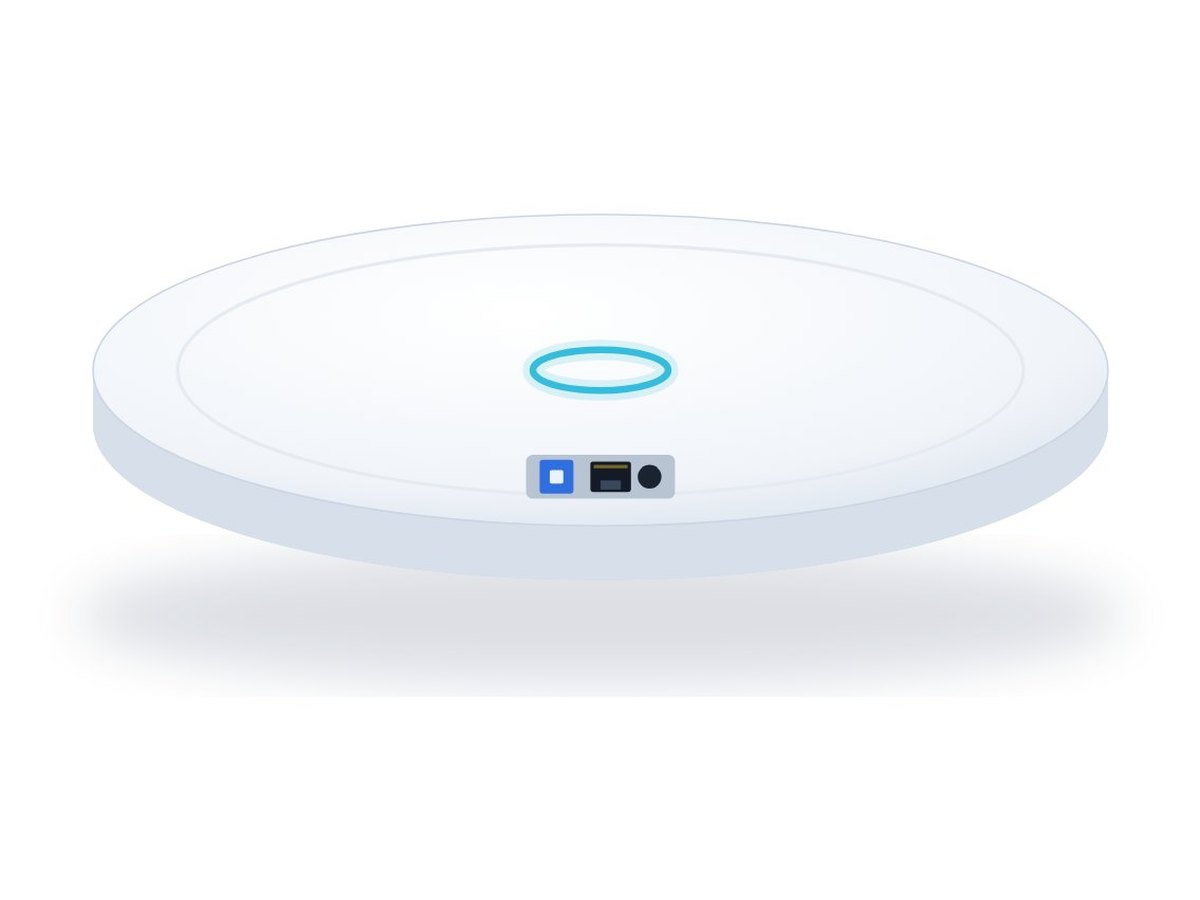
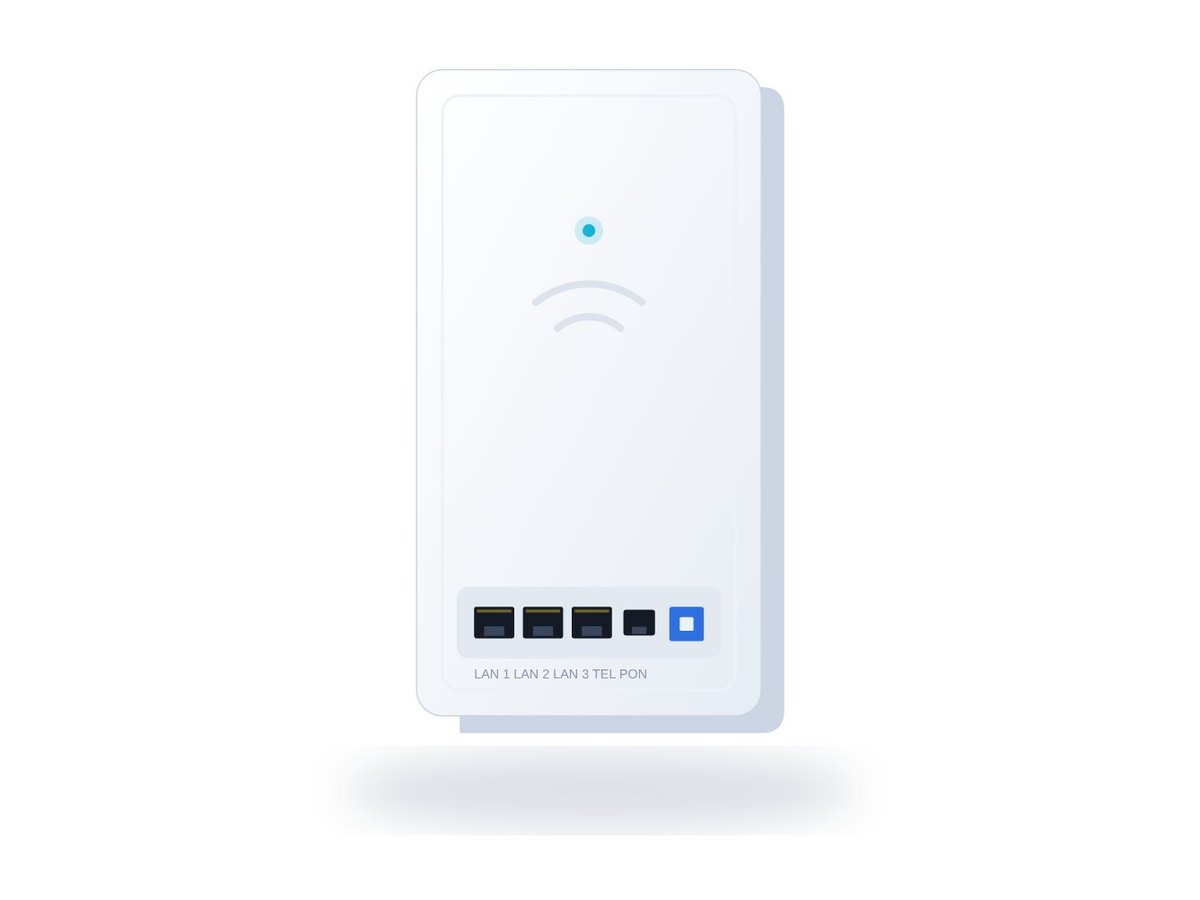
See productsProducts fall into three groups: SMB networking, all-optical networking (FTTR-B / FTTO), and security, surveillance and care.
For wired and wireless office networks, choose CONNECT AIR, LINK or PRO by headcount and existing cabling.
IP cameras, NVR recording and AI video analytics can be planned together with access control and managed on one screen.
All-optical networks replace most copper with fiber, ideal for hotels, retail chains and multi-floor buildings.
Quotes and pricingPricing is quoted after we assess the floor area, equipment and cabling on site, and anything not included is listed up front. Please fill in the request form first and we will get back to you soon.
Book a consultationBook a consultation online: five steps, about two minutes.
After-sales careAfter installation you can join CONNECT PULSE yearly care: regular inspections, remote health monitoring and one point of contact for repairs.
Talk to a personOur team is available Mon–Fri 09:00–18:00 (Taiwan time). You can also reach us here:
 FIBER
 POL
 PRO
 AIR
 LINK
 SECURE
 VISION
 PULSE